Describe it
Just explain what kind of page you need.
Describe what you need and Marklet turns it into a polished page
with a memorable link and a QR code. Without developers or designers.
Free to try. Sign up only when you want to keep the page.
Just explain what kind of page you need.
Ask for changes to the copy, colors, contacts, or layout.
Publish a short link and QR code for screens or print.
12 example pages, from menus to forms and polls. Open any of them to explore.
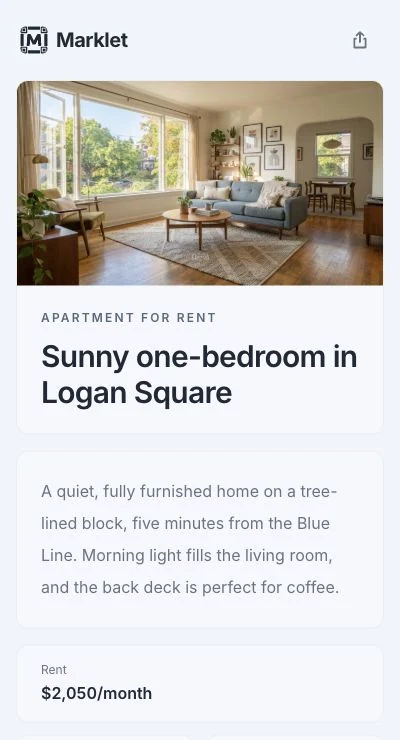
Add the monthly rent, say utilities are included, and mention the Blue Line is five minutes away.
Great. Make the contact button say “Ask about a viewing.”
Download PNG or SVG for signs, cards, and stickers.
Choose an address people can say and remember.
Change copy, colors, contacts, or sections with a sentence.
Add a cover image or gallery for a listing or portfolio.
Automatically adapts to any screen size.
See how many times people have opened your page.
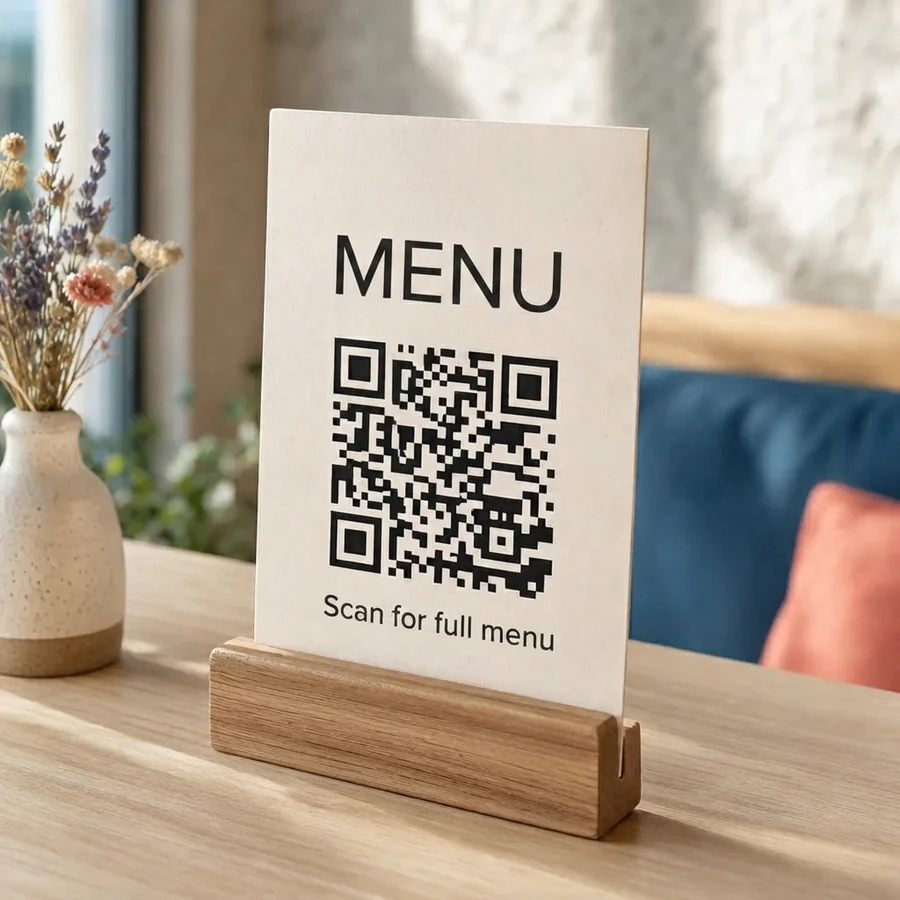
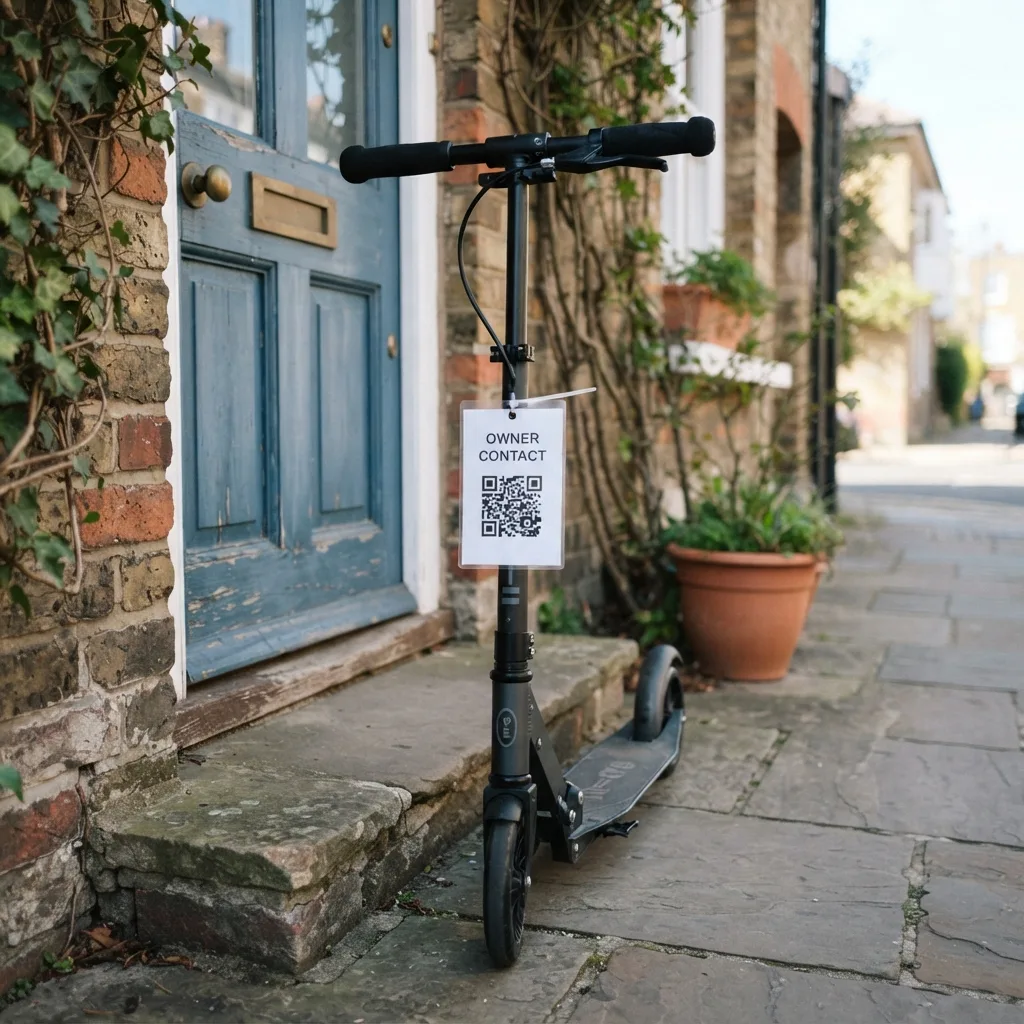
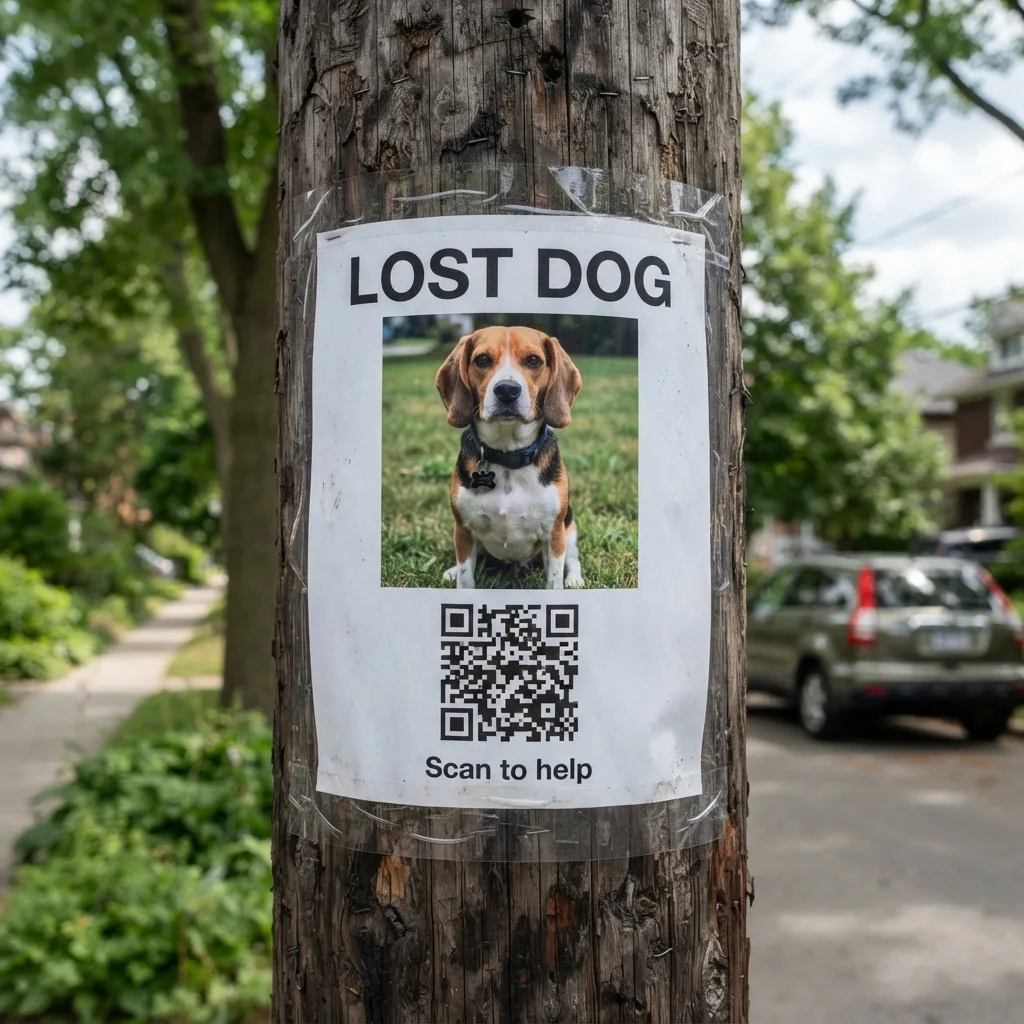
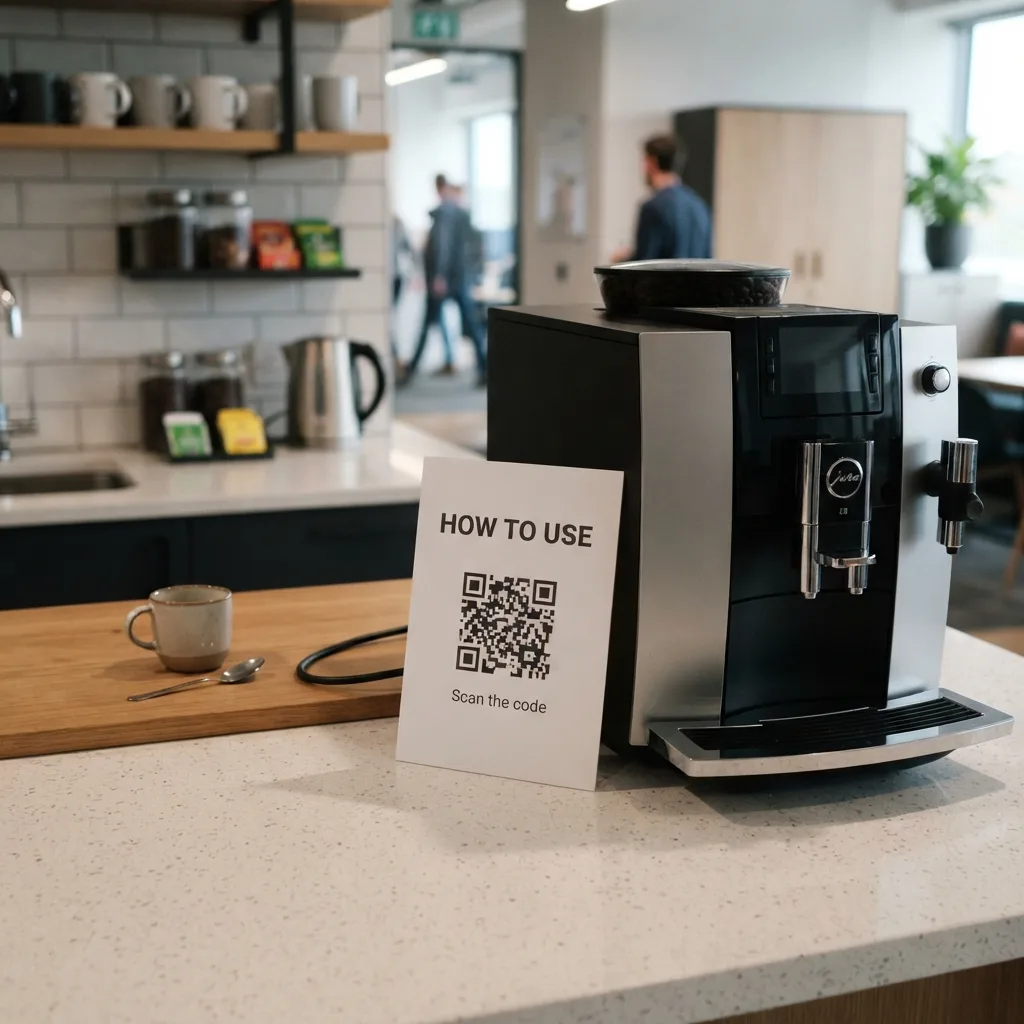
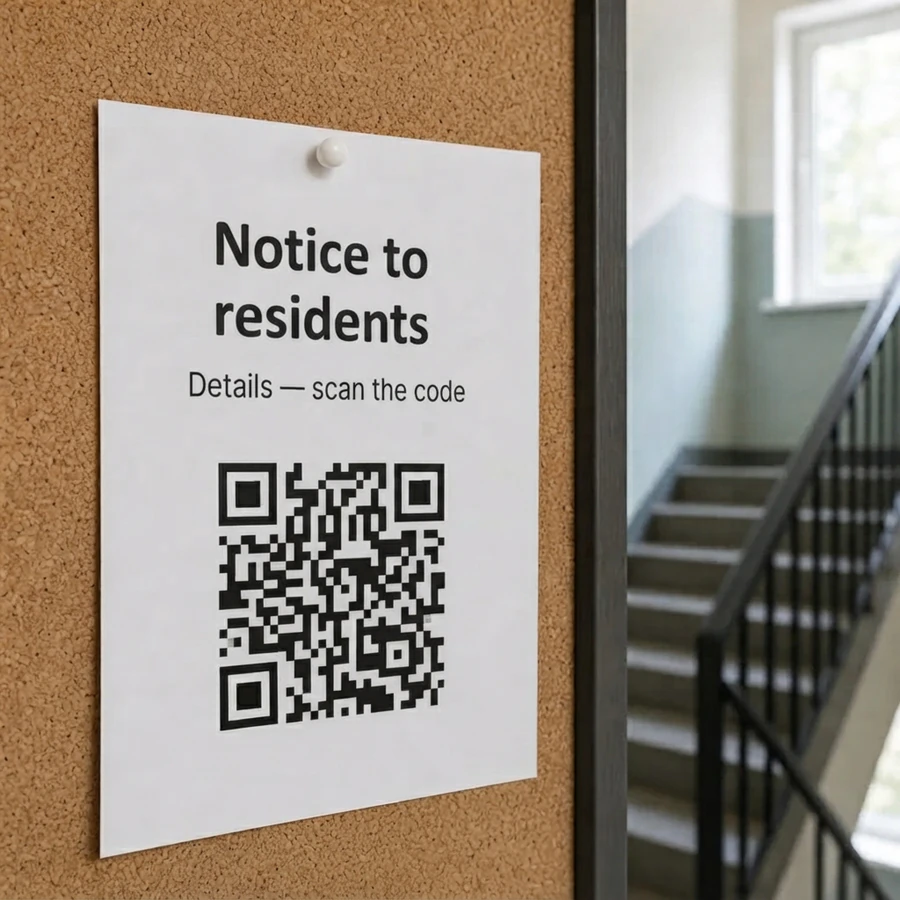
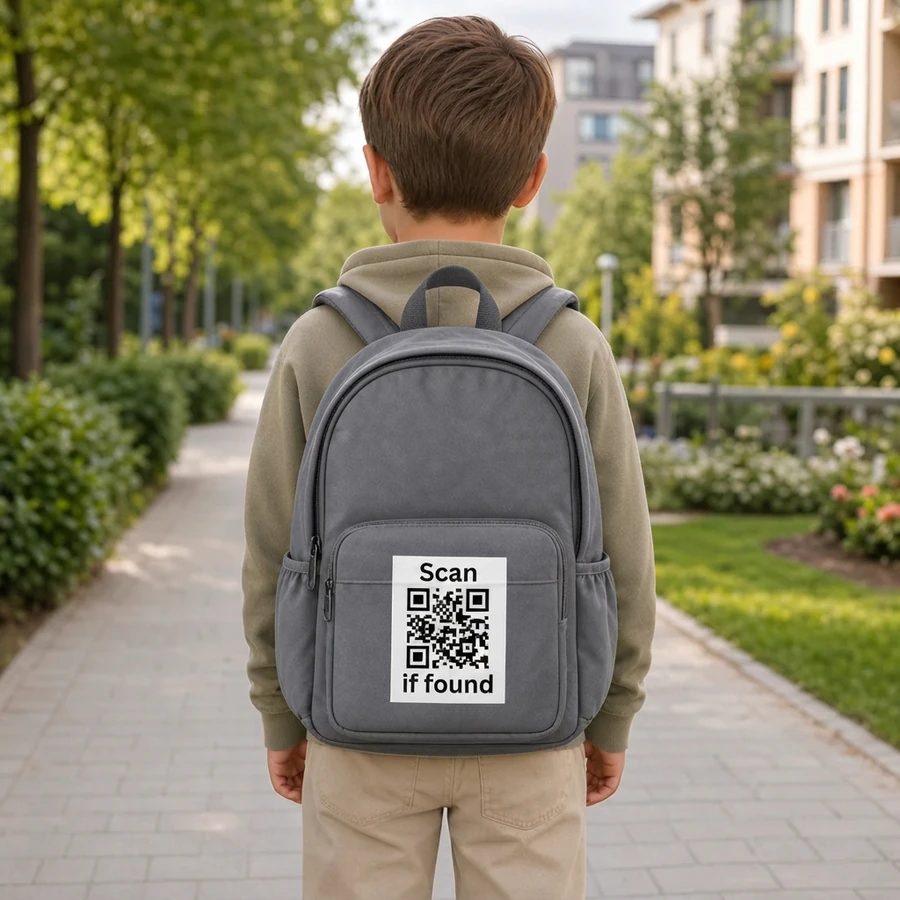
Download PNG or SVG and print it on a card, sign, label, poster, badge, or package.


Pick a short marklet.so/name address—or connect your own domain.
marklet.so/juniper-cafe
An address that is easy to remember, say out loud, or print on anything.
swiftlinemovers.com
Connect a domain you already own—your page opens there, and the original link and QR code stay live.
No. Describe the page in ordinary language, the same way you'd explain it to a person. Marklet turns that description into a polished page.
Nothing—Marklet is currently free, with no hidden costs. You don't even need an account until you want to keep your page. If paid plans appear later, they will be announced clearly in advance.
Yes. Tell Marklet what to update—such as a phone number, price, section, or color—and the page updates in place. Your link and QR code stay the same.
It stays available until you unpublish or delete it from your account. Editing the page does not change its address or QR code.
Use a parent or guardian's contact details, not the child's. You can also keep the page out of search engines, so only people who scan the QR code or have the direct link will find it.
It can, but indexing is not immediate or guaranteed because Google decides what to include. Turn on search visibility, choose a clear address such as marklet.so/swiftline-movers-london, describe your service, price, and location with words customers use, and link to the page from places you already appear online. Marklet provides the sitemap and share preview automatically.
Simply download it as a PNG or SVG—both formats work for business cards, labels, signs, badges, and larger displays.
Free to try. Sign up only when you want to keep the page.


